 Ora

Capture the actual shift
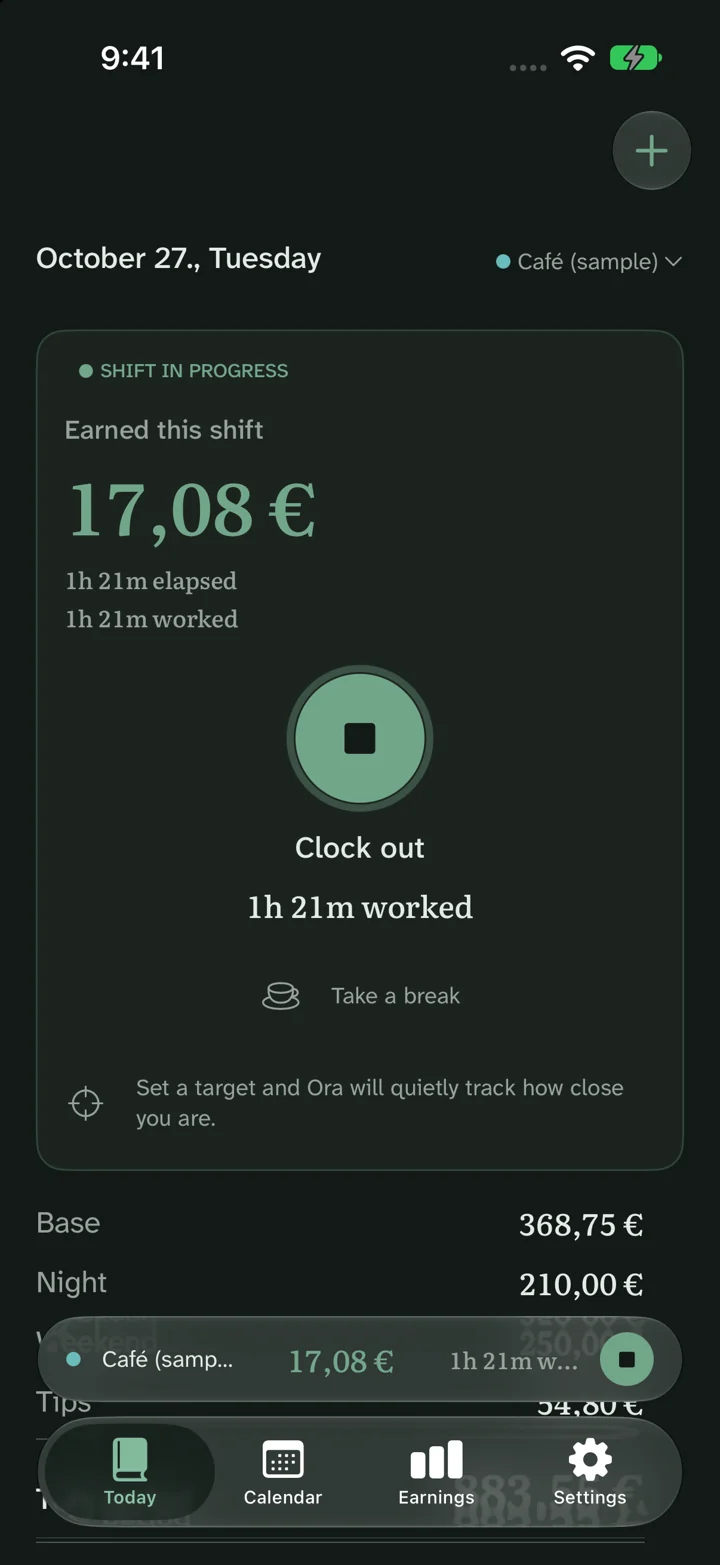
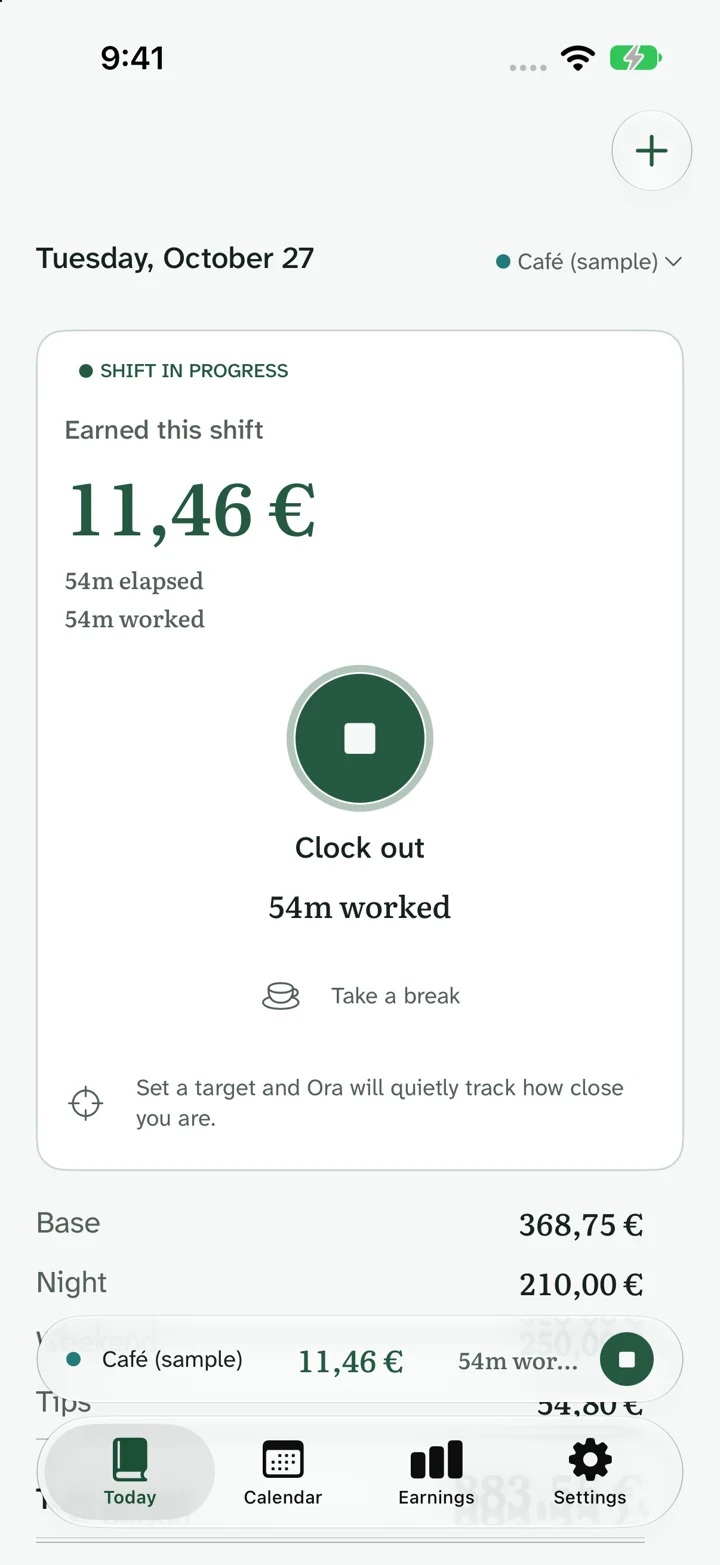
Use Today to clock in and out while you work, or add a completed shift with its actual start and finish. Record breaks with the shift so elapsed time and paid time remain distinct.
The screenshots use fictional job names and sample records. They show Ora’s real interface.
Before, during and after
- Before work: select the job and check its rate.
- During work: clock in, record breaks and clock out when you finish.
- After work: open the shift to correct its dates, times, breaks or note.
For an overnight shift, set the finish on the following date. Keep planned shifts separate from the work you actually completed.
One shift, a clear total
A 09:00–17:00 shift lasts eight hours. Subtract a 30-minute unpaid break and the paid total is 7h 30m. A paid break stays inside paid time.
For a 22:00–06:00 shift, use the next day as the finish date. Clock changes can alter elapsed time, so keep the correct dates and time zone with the record.
Review the history
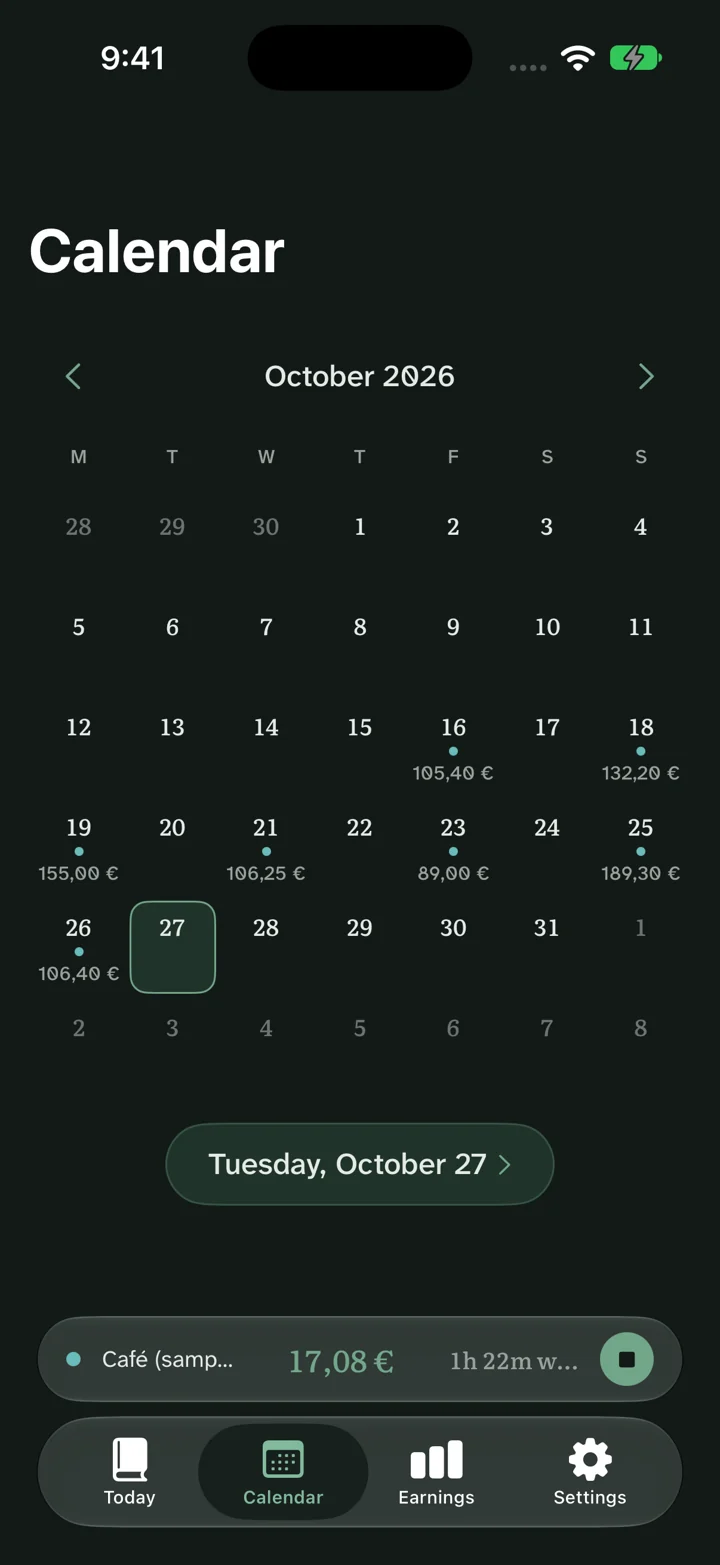
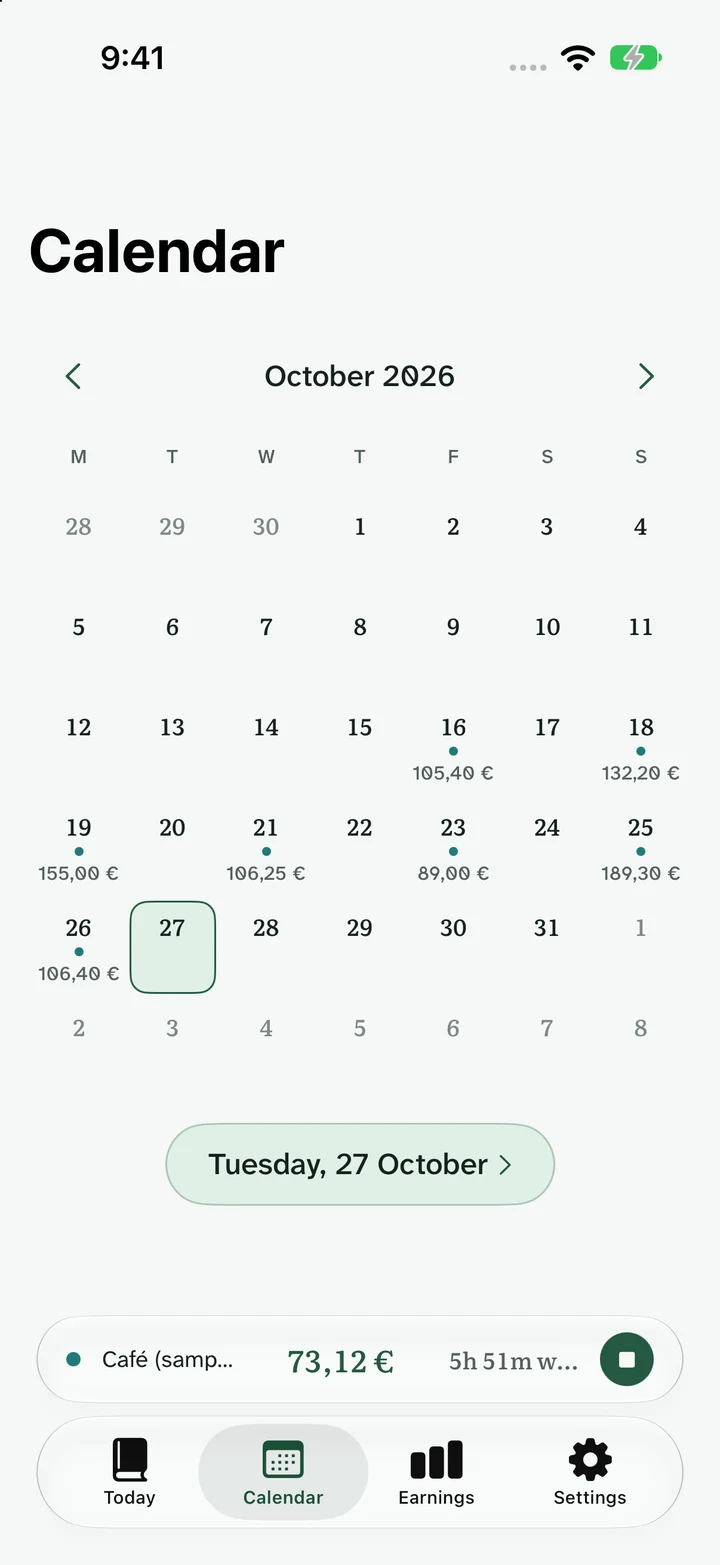
Review saved shifts in Calendar to find a missing finish, a duplicate entry or a late change before checking payroll. Shift history remains available in the free app.
Compare your personal record with the employer’s statement. Keep customer, patient and colleague information out of shift notes.
Common questions
Do I need an account?
No Ora account or sign-up is required. Optional iCloud sync uses your Apple Account. The website calculators also work without an account.
Can shifts cross midnight?
Yes. Enter the actual start date and set the finish to the following day. Use the correct dates when a clock change falls inside the shift.
Can I edit a completed shift?
Yes. Open the saved shift and edit its dates, times, breaks or note.
Is shift tracking free?
Yes. Record shifts and keep your history for one active job for free. Unlimited active jobs and advanced pay rules are part of the optional Ora Pro Lifetime upgrade.