 Ora

Start with work and rate
Set the job’s wage, currency and pay period, then record the work. An estimate follows those settings; a changed shift or rate changes the result.
Keep the actual start, finish and unpaid breaks accurate before comparing totals. The app images show fictional records, rather than a real employee’s pay.
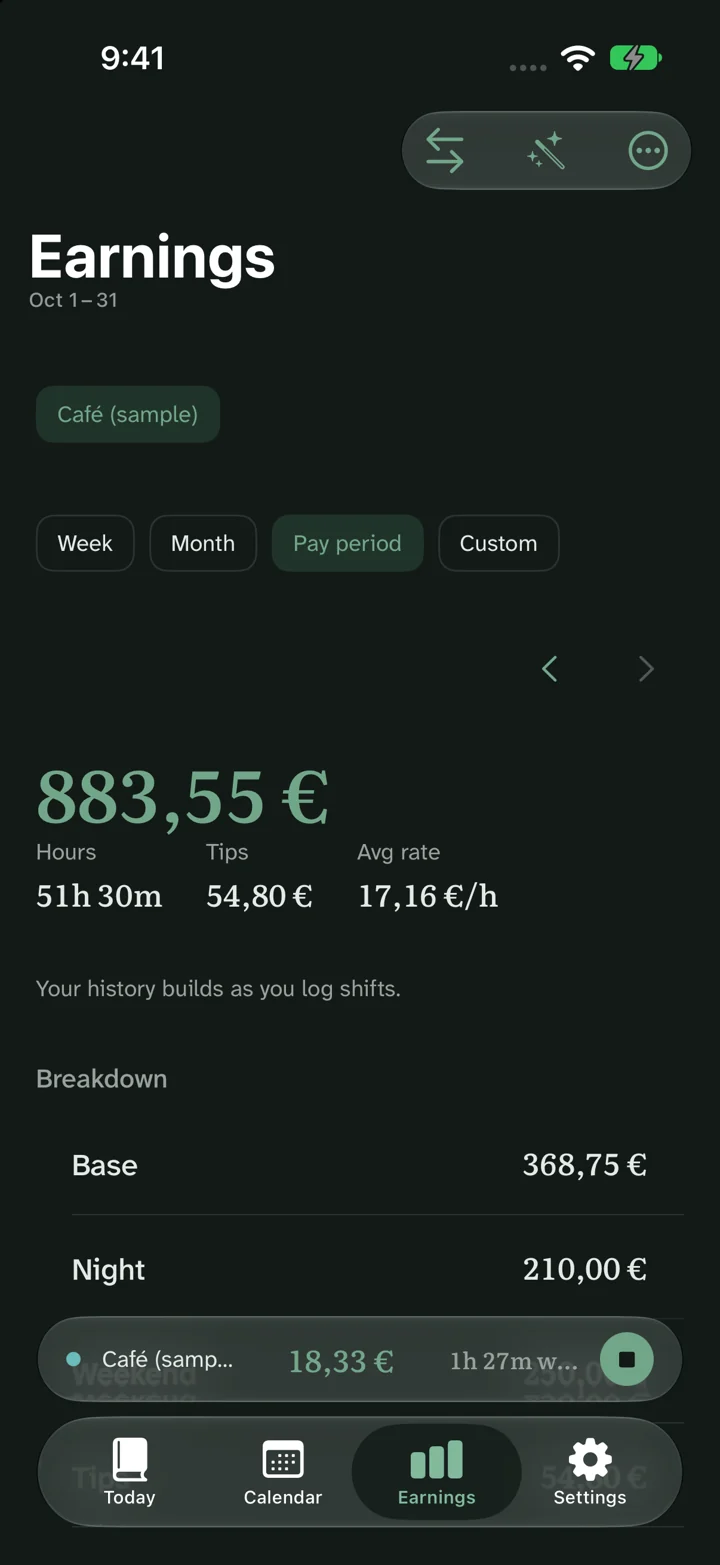
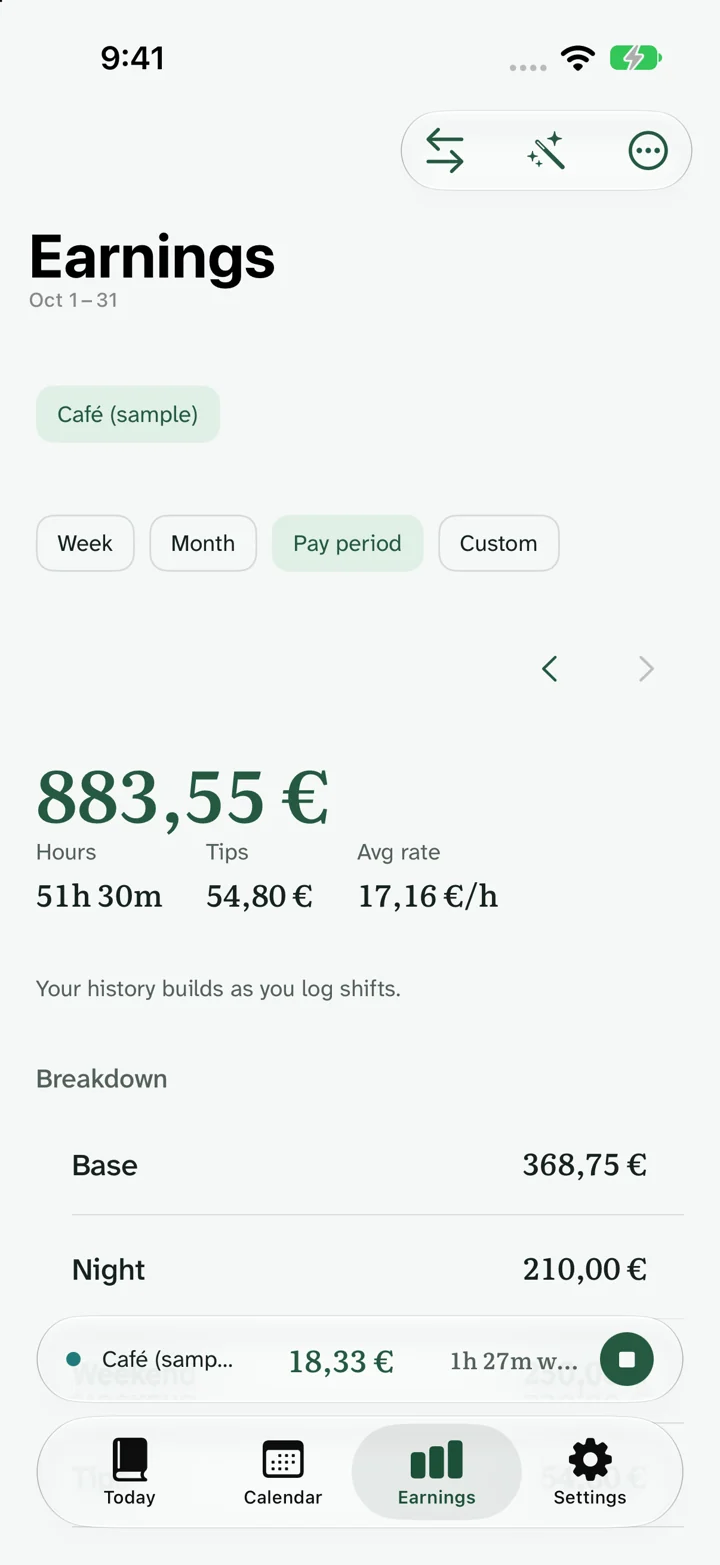
Review the estimate in context
- Check the work: review the dates, paid time and job rate.
- Choose the period: use Week, Month or Pay period to match the question.
- Read the breakdown: separate base earnings and additional pay before comparing payroll.
Ora Pro adds earnings charts for exploring the recorded period. A chart follows the records you entered; it is not an employer’s payroll statement.
Compare two shifts
On a narrow screen, scroll the table horizontally to see all columns.
| Shift | Paid time | Rate | Gross |
|---|---|---|---|
| Short shift | 5h | €15/h | €75.00 |
| Longer shift | 7.5h | €15/h | €112.50 |
The difference is €37.50 because the second shift contains 2.5 more paid hours.
Keep estimate and payment distinct
Gross earnings are before payroll deductions. Taxes, pension contributions, corrections, tips and reimbursements can change the payment you receive. Keep reimbursements separate from earnings.
Each job keeps its own currency. Pro’s home-currency overview is a conversion for personal planning; original-currency records remain the basis for comparing each employer’s payroll.
Common questions
Is the estimate my take-home pay?
The gross estimate is before deductions. Manually entered deduction estimates can help with planning, but they do not calculate every statutory tax or establish the final payroll payment.
Can I use different currencies?
Yes. Choose a currency for each job. Ora Pro also offers a home-currency overview; converted figures are estimates, not a bank exchange-rate quote.
Can I see several jobs together?
Yes, with Ora Pro. Keep each employer’s original-currency figures and pay period available when comparing a combined personal overview.