Ora
How to estimate a shift
Start with actual elapsed time, subtract the unpaid break minutes you enter and multiply the paid minutes by your hourly rate. Add any separately entered tips or flat extras. The formula is: base pay = paid minutes ÷ 60 × hourly rate; estimated gross = base pay + extras.

Worked example
From 09:00 to 17:00 is 8 hours. After a 30-minute unpaid break, 7 hours 30 minutes remain. At €15 per hour with no extras, 7.5 × €15 = €112.50 estimated gross. This is before taxes and other deductions.
Breaks, overnight shifts and different rates
Enter the actual dates for both ends of an overnight shift. Times use the selected time zone, initially set to your device’s zone, so a clock change can affect elapsed time; ambiguous or nonexistent local times may need another entry. Only the unpaid break minutes entered are deducted. Paid breaks remain in the estimate.
This tool models one hourly rate and optional flat extras. For separate rate windows, use the shift differential calculator. If you enter an extra premium here, provide its total amount rather than an hourly premium. Salaried arrangements and employer-specific payroll rules may not match an hourly calculation.
A pay estimate is only as useful as the hours behind it. Check the start, finish and unpaid intervals with the work-hours calculator, then use the paycheck-checking guide to compare the dated record with what payroll reports.
Rounding and actual pay
Base pay is calculated from whole paid minutes and rounded half up to the smallest unit of the selected currency before extras are added. Payroll may round at a different stage or use different rates, premiums, cutoffs and deductions. Currency selection changes display and accepted precision; it does not convert exchange rates.
Common questions
Is this take-home pay?
No. The result is estimated gross earnings before taxes and other deductions.
Can I add tips?
Yes. Enter a known total in the tips or other extras field. The tool adds it as a flat amount and does not decide how your employer treats tips.
Does it include taxes?
No. Taxes, other deductions, and automatic statutory rules are not calculated.
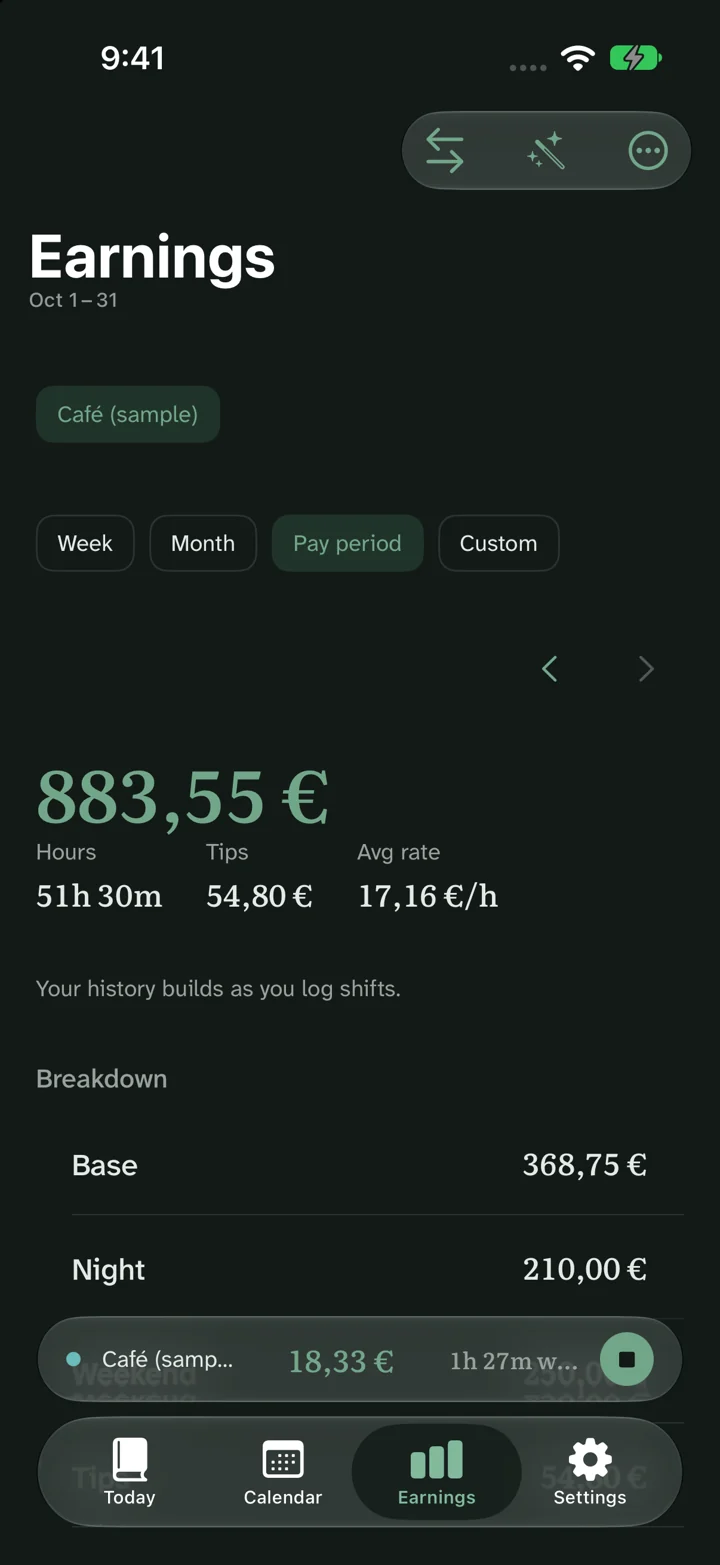
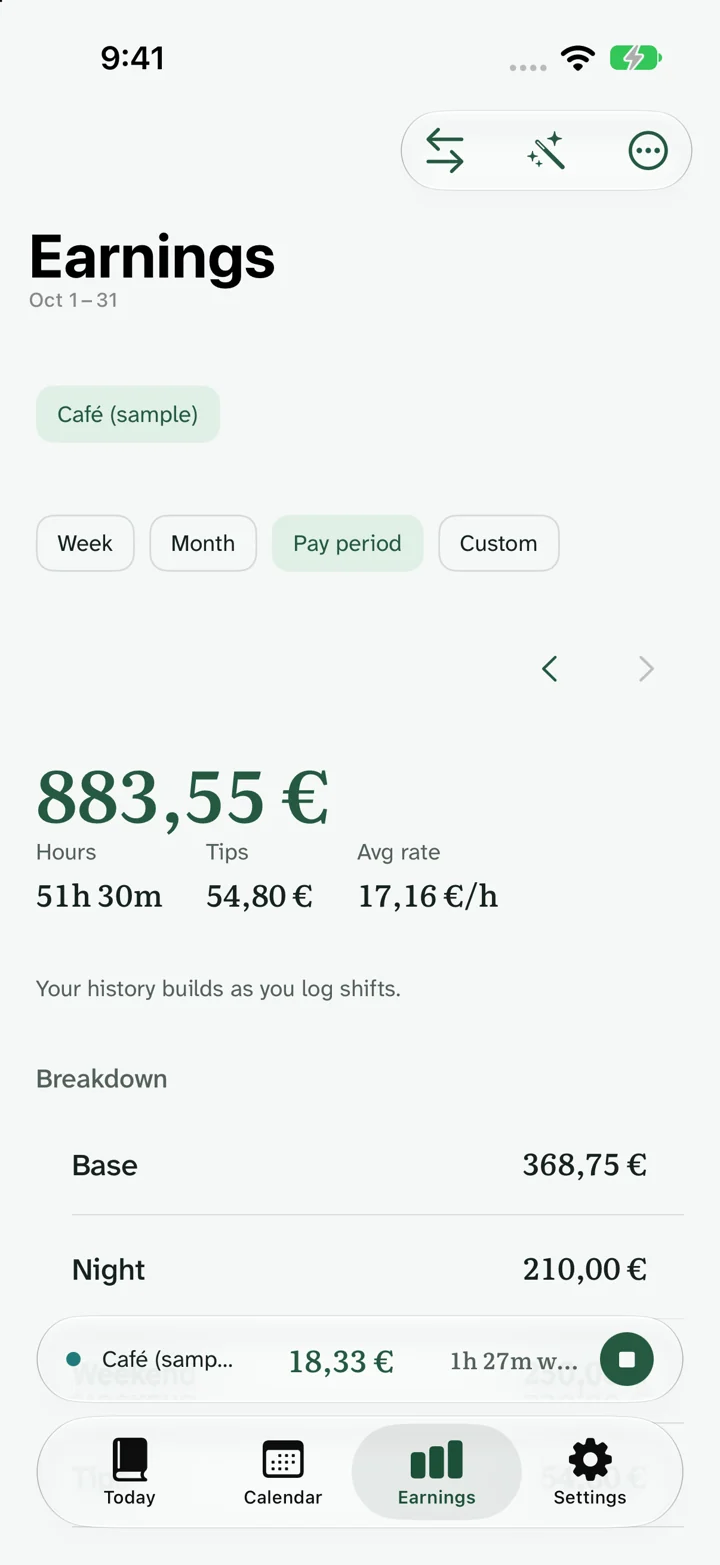
One shift is easy to calculate. Explore how Ora presents estimated earnings over time.
Results are estimates before tax. Rules and actual pay vary with your contract, location, payroll and deductions. About these estimates.