 Ora

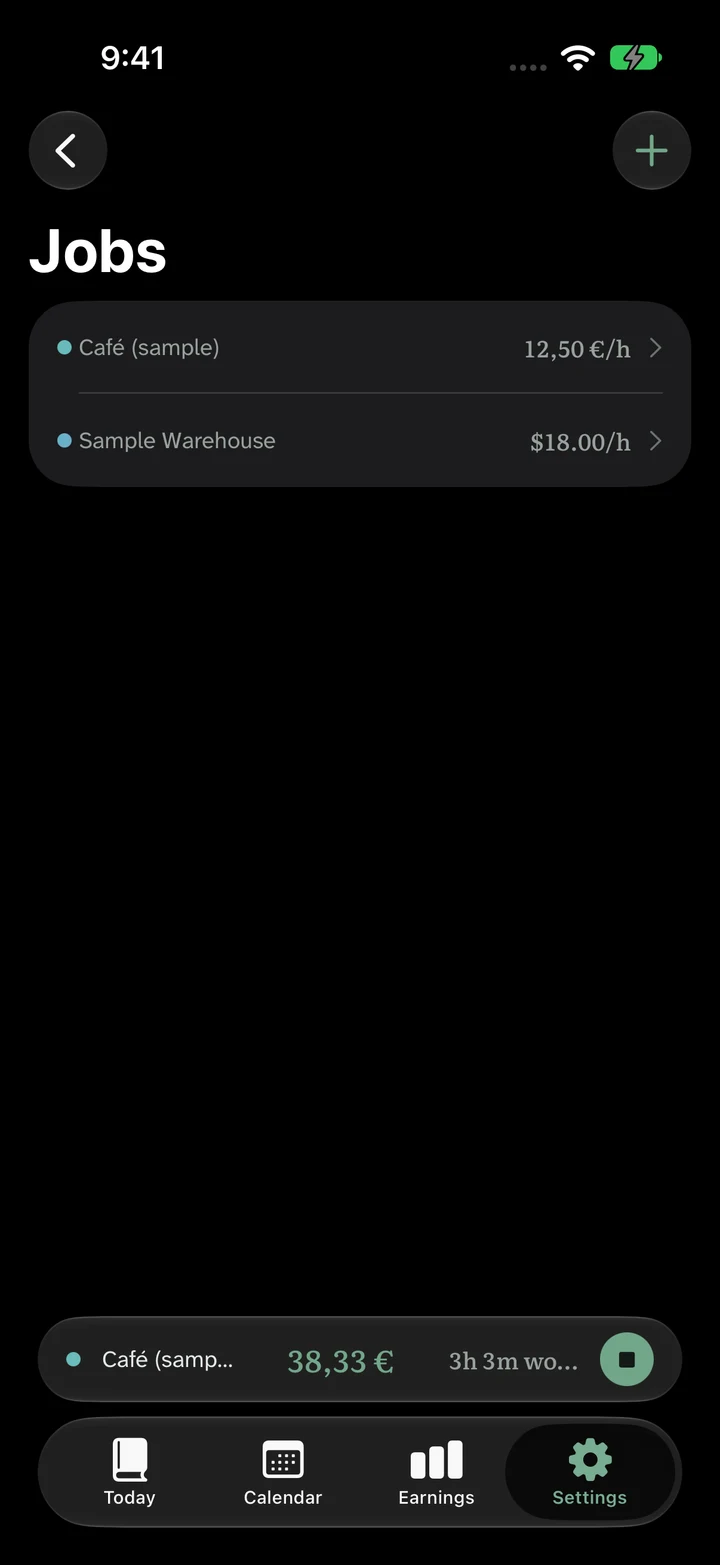
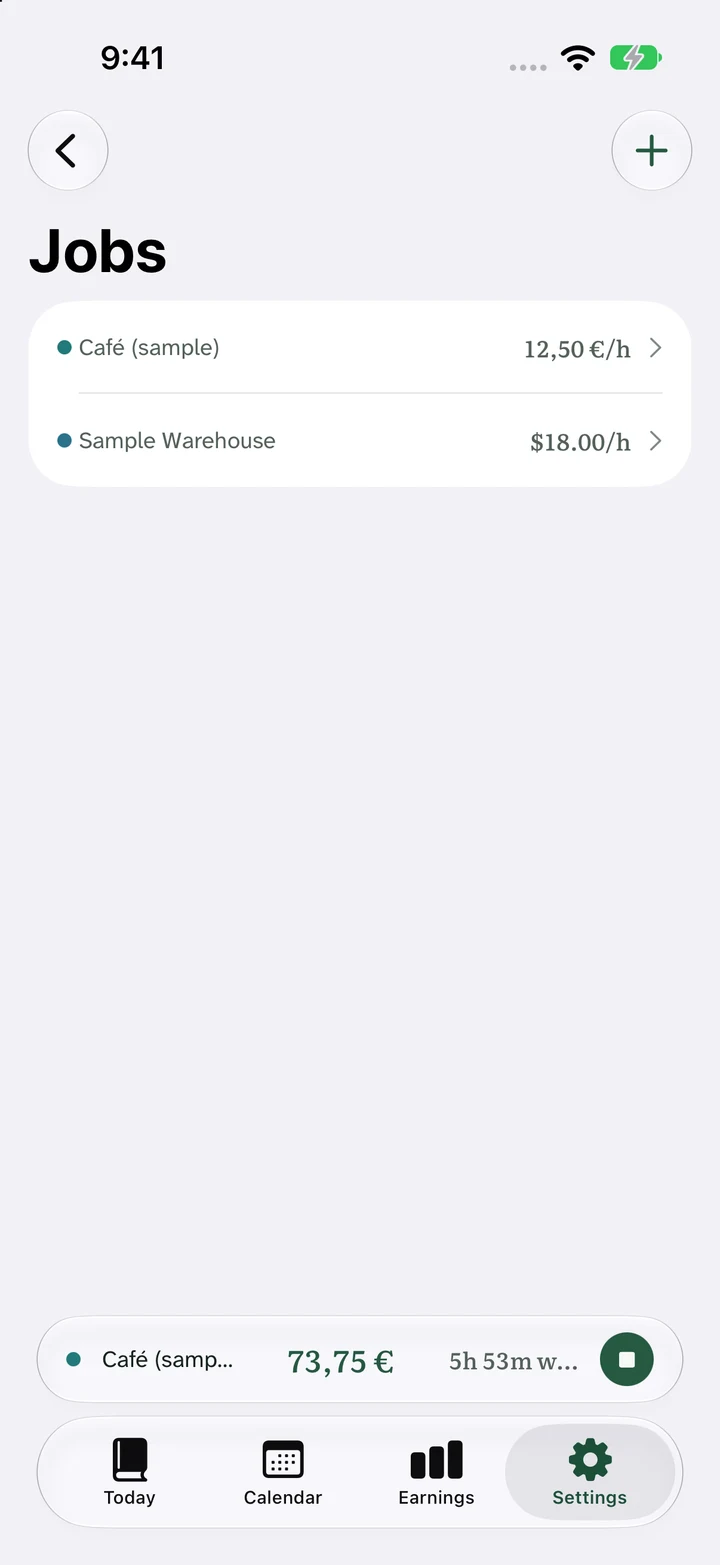
Keep each job’s context
Use Jobs to create and manage work contexts. Each job has its own name, currency, rate and pay-period settings. Select the relevant job before recording a shift or reading its earnings.
Archive a job when you no longer need it active. Keep its saved work records for later reference.
Add, select and reconcile
- Add the job: enter a recognizable name and the applicable rate, currency and period.
- Select it for work: check the job before clocking in or adding a completed shift.
- Reconcile separately: compare each employer’s original records with that employer’s payroll period.
Ora Pro also provides a combined personal overview. This does not turn several employers’ records into one formal payslip.
Two rates in one week
On a narrow screen, scroll the table horizontally to see all columns.
| Job | Paid time | Rate | Gross |
|---|---|---|---|
| Sample Café | 12.5h | €15/h | €187.50 |
| Demo Shop | 9h | €17/h | €153.00 |
The personal total is 21.5 paid hours and €340.50 gross. Keep the €187.50 and €153.00 records separate when reconciling different pay periods or deductions.
Check limits and currencies
The free app supports one active job. Ora Pro removes that active-job limit.
Each job retains its original currency. A home-currency overview uses a conversion assumption and is for personal planning; it is not the rate a bank or employer necessarily pays. Do not combine employers’ hours for overtime unless your applicable rules require it.
Common questions
Can each job have a different rate?
Yes. Each job has its own wage and currency settings, so a café shift and a warehouse shift can use different rates.
How are different currencies handled?
Each job keeps its original currency. Ora Pro offers a home-currency overview for planning; keep original amounts when checking employer statements.
Are unlimited jobs free?
The free app includes one active job. Unlimited active jobs are included in the one-time Ora Pro Lifetime upgrade.