Ora
Keep nursing shifts clear
A changing early–late–night rota is easier to review when actual times, next-day finishes and breaks are recorded consistently. Keep that personal work record separate from clinical and staffing systems.
Follow the full rotation
A shift name is a useful label, but it does not tell you the actual paid duration. An early shift can finish late, a handover can change the end time and an overnight entry needs two dates. Record what happened alongside the original rota.
The example below is a fictional sequence on separate dates, not a recommended staffing pattern or a claim that these hours or breaks are legally appropriate. All durations assume an ordinary week without a clock change.
On a narrow screen, scroll the table horizontally to see all columns.
| Shift | Start–finish | Unpaid break | Paid time |
|---|---|---|---|
| Early | 07:00–15:00 | 30 min | 7h 30m |
| Late | 13:00–21:00 | 30 min | 7h 30m |
| Night | 20:00–08:00 next day | 60 min | 11h 00m |
These three entries total 26 paid hours. A changing finish or break alters that total, so preserve the original dated entries rather than only the sum.
Place the night break
Using a chosen 22:00–06:00 night window, the example 20:00–08:00 shift contains eight window hours and four other hours before breaks. If the full unpaid hour is 02:00–03:00, paid night time is seven hours and other paid time is four.
A night premium, if applicable, needs the actual agreed rule. The example does not assume a universal nursing rate or that night and overtime premiums stack. Use the night shift calculator to test a stated window and break placement.
Keep the record focused
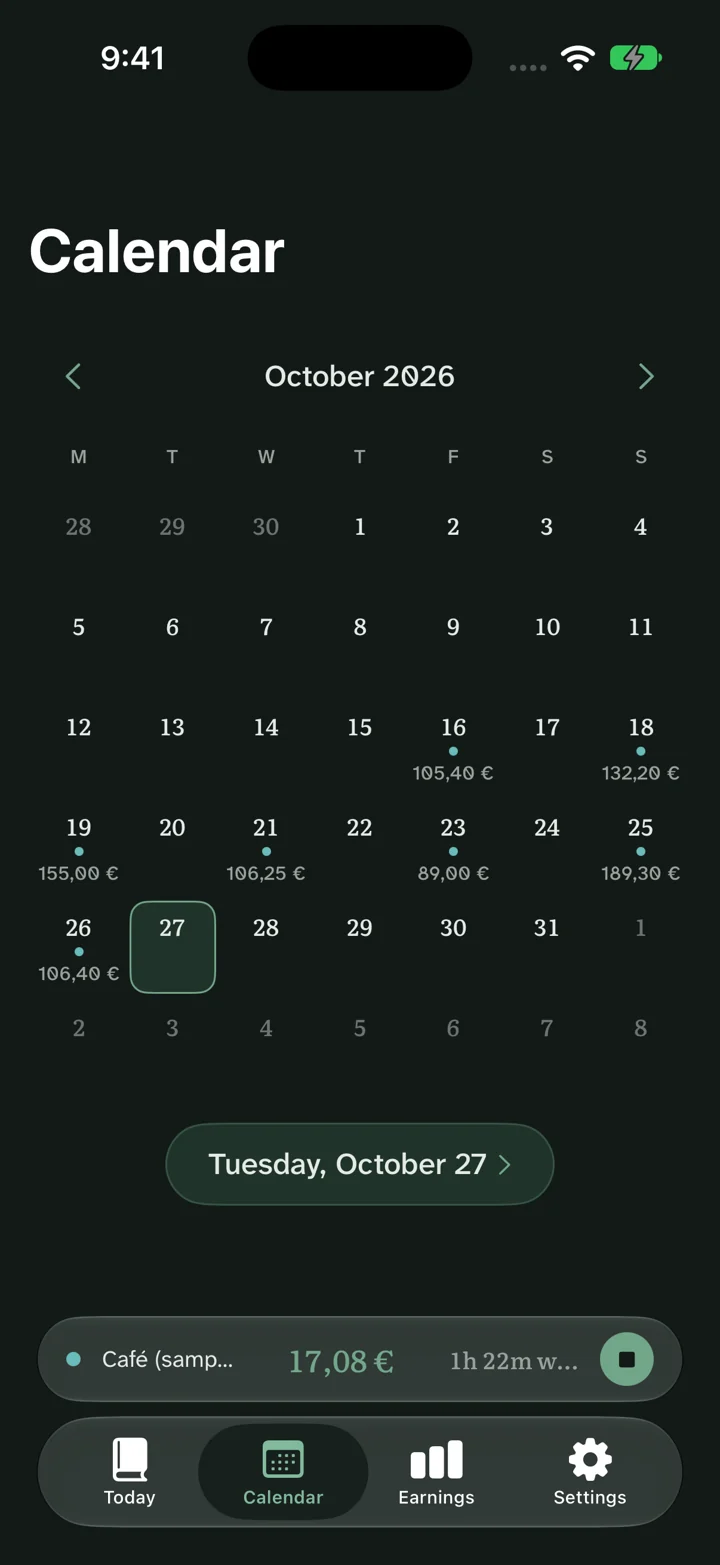
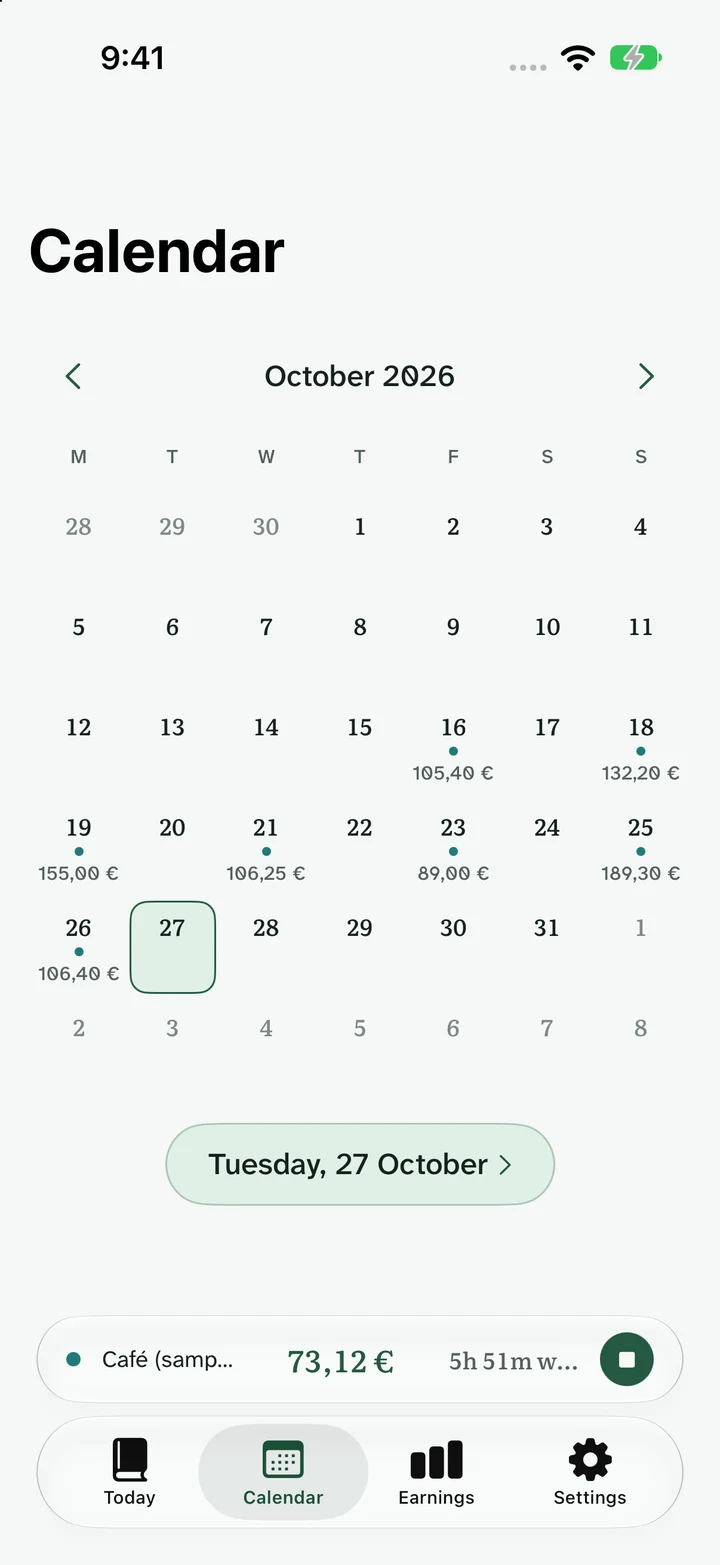
Ora shows personal shift records, a calendar and earnings estimates. A work-hours record should contain the dates and pay assumptions needed to review the work. Keep patient names, care details and clinical identifiers out of it.
Ora is not a clinical scheduling or healthcare record system. It does not establish staffing approval, safe rest intervals or payroll entitlement. Continue using the employer’s required systems.
Review before payroll
- Check next-day dates and the time zone of each overnight finish.
- Separate paid and unpaid breaks and note corrections.
- Confirm the premium window and agreement before estimating it.
- Match the pay-period dates before comparing gross figures.
For a rotating rota, begin with a known anchor date and verify each cycle against the approved schedule. Then keep actual worked time separate from the plan.
Common questions
Does this manage clinical staffing?
No. This page concerns personal work-time records. Ora is not a clinical scheduling or healthcare record system.
Are nursing night rates built into the website?
No universal occupational rate is assumed. The free calculator uses the window and premium supplied by the visitor.
How should an overnight shift be dated?
Use its real starting date and the actual next-day finish. Resolve any clock-change ambiguity before calculating elapsed time.
Results are estimates before tax. Rules and actual pay vary with your contract, location, payroll and deductions. About these estimates.