Ora
Keep different shifts organized
An early start and an overnight shift may use different pay assumptions. Keep actual dates, unpaid breaks and each applicable rate window visible so the estimate can be checked segment by segment.
Begin with the early shift
For a fictional 05:30–13:30 shift with a 30-minute unpaid break, eight elapsed hours become 7h 30m paid on an ordinary day. At a hypothetical €15 base rate and no premium, that is €112.50 gross.
Starting before sunrise does not establish a premium by itself. A rule might define specific hours, a shift category or another condition. Use the employment arrangement and applicable local guidance to determine what belongs in an estimate.
Model a stated premium
For a second fictional shift, work runs 21:00–05:00 next day with an unpaid break at 01:00–01:30. Choose a 22:00–06:00 night window and an additional €2 per eligible hour solely for demonstration.
On a narrow screen, scroll the table horizontally to see all columns.
| Component | Calculation | Result |
|---|---|---|
| Total paid time | 8h − 0.5h | 7.5h |
| Paid night time | 7h window overlap − 0.5h break | 6.5h |
| Base gross | 7.5h × €15 | €112.50 |
| Additional premium | 6.5h × €2 | €13.00 |
| Combined gross | €112.50 + €13.00 | €125.50 |
The early and night examples have the same paid duration, but the chosen premium makes their gross estimates different. It does not imply that every warehouse shift earns extra pay.
Keep rate changes dated
A change of shift category, role or base rate can begin partway through a period. Preserve the effective date and the actual rule. If the shift contains multiple rate windows, place breaks in the segments where they occurred.
Model multiple rate segments with an explicit overlap policy. Do not assume that night, weekend and overtime additions stack, or that a full multiplier is an extra amount on top of base pay.
Keep the comparison useful
Review actual clock events against the correct payroll dates, keeping training, extras or reimbursements separate where relevant. Do not add access credentials, customer shipments or confidential operational details to a personal hours note.
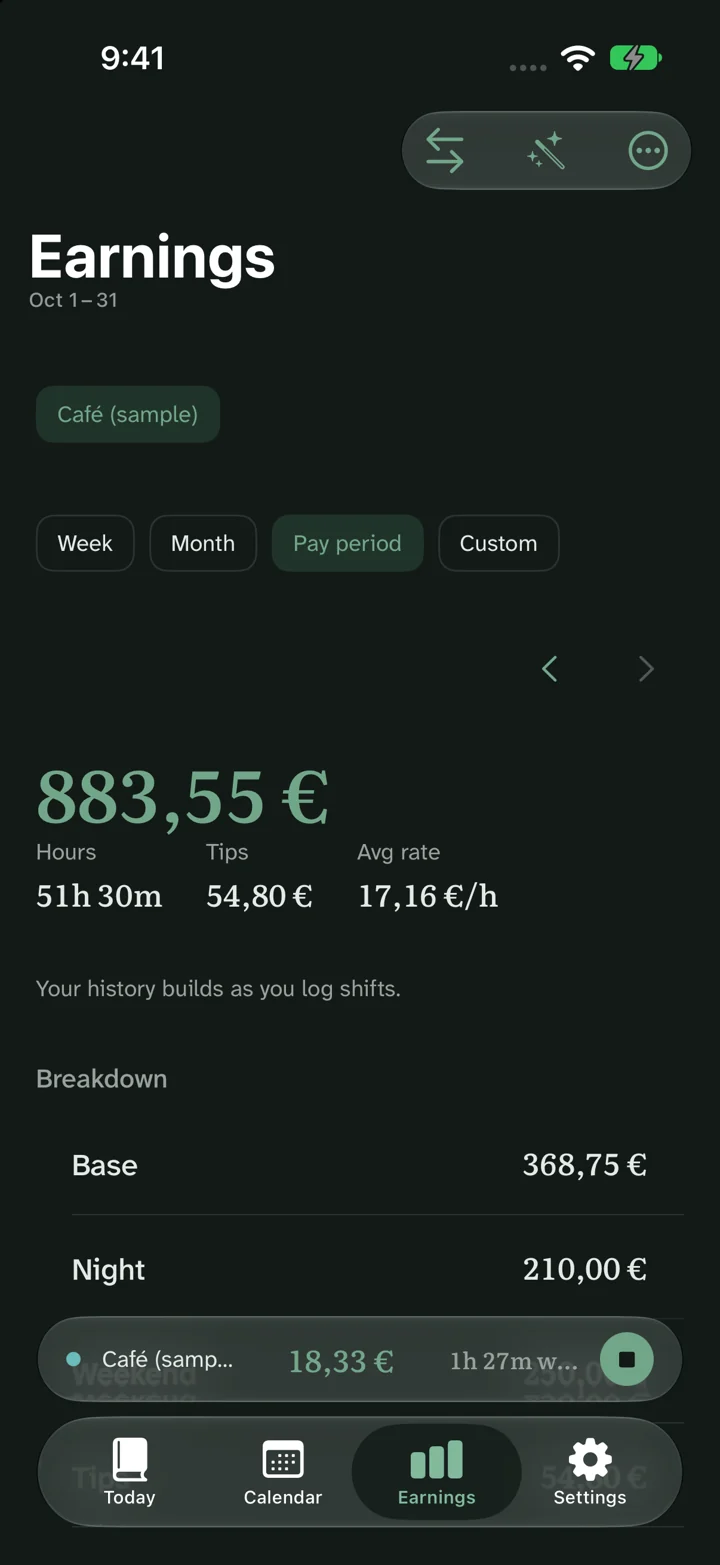
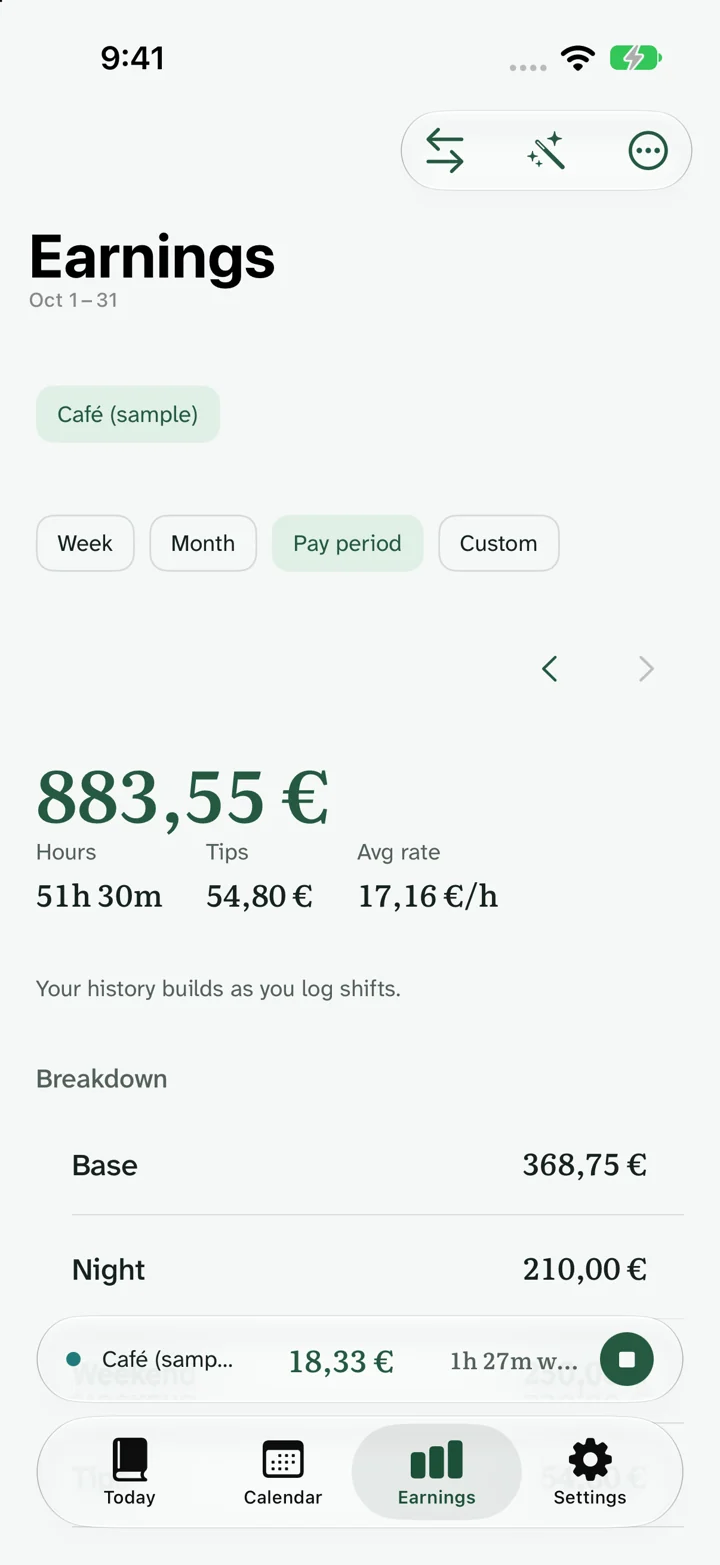
Ora shows shift and earnings records using sample data. The earnings screenshot is an illustrative app capture, not a warehouse payslip or proof of any employer’s payroll rules. Confirm deductions and adjustments separately from the gross estimate.
Common questions
Does an early shift always receive extra pay?
No. Determine eligible hours and the premium from the actual agreement and local rules. The early example here assumes no premium.
Why is the break’s position important?
An unpaid break inside a premium window removes eligible premium time as well as base paid time. An earlier break may affect only base time.
Can I compare a gross estimate with my bank deposit?
Compare the gross earnings lines first. Deductions, reimbursements and payment timing can make the deposit different.
Results are estimates before tax. Rules and actual pay vary with your contract, location, payroll and deductions. About these estimates.